
Download Magick Desktop – Wallpaper, Icon Customization, Desktop Enhancement
Overview
Magick Desktop is a desktop customization tool designed to elevate the visual experience of personal computing. The application allows users to transform their desktop environment through a curated collection of high-quality wallpapers spanning diverse themes such as video games, television series, actors, and natural landscapes. By offering a seamless way to refresh the desktop appearance, Magick Desktop addresses the common need for visual variety and personal expression in digital workspaces. It caters to users seeking a quick and effortless method to enhance their computing environment without requiring technical expertise.
The app is particularly beneficial for individuals who value aesthetics in their daily digital interactions, including remote workers, students, and creative professionals. A refreshed desktop can contribute to improved focus and motivation, making it a subtle yet effective productivity tool. Although the developer did not provide additional background information, the app’s longevity—first released in 2012—suggests a stable presence in the desktop customization niche. Its continued relevance indicates consistent user demand for visual customization solutions in personal computing.
Magick Desktop serves as a utility that bridges the gap between functionality and personal style. In a digital ecosystem where user interfaces are increasingly personalized, this application fills a specific need: enabling users to express individuality through their desktop environment. Its core purpose—enhancing visual appeal—remains relevant across different generations of users and computing platforms.
Key Features & Functionality
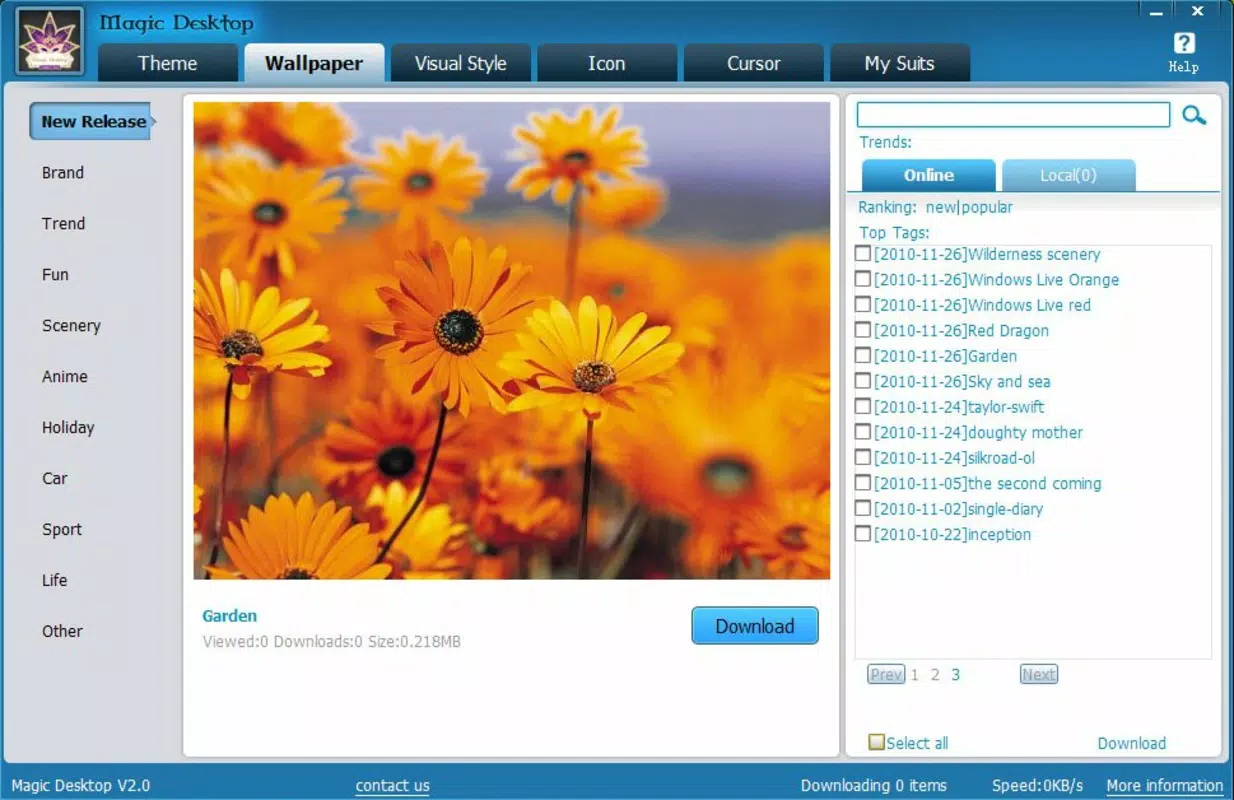
- Diverse Wallpaper Collection: Users gain access to a broad range of wallpapers organized by theme, including video games, TV series, actors, and scenic landscapes. This variety ensures that users can align their desktop background with personal interests, creating a more engaging workspace.
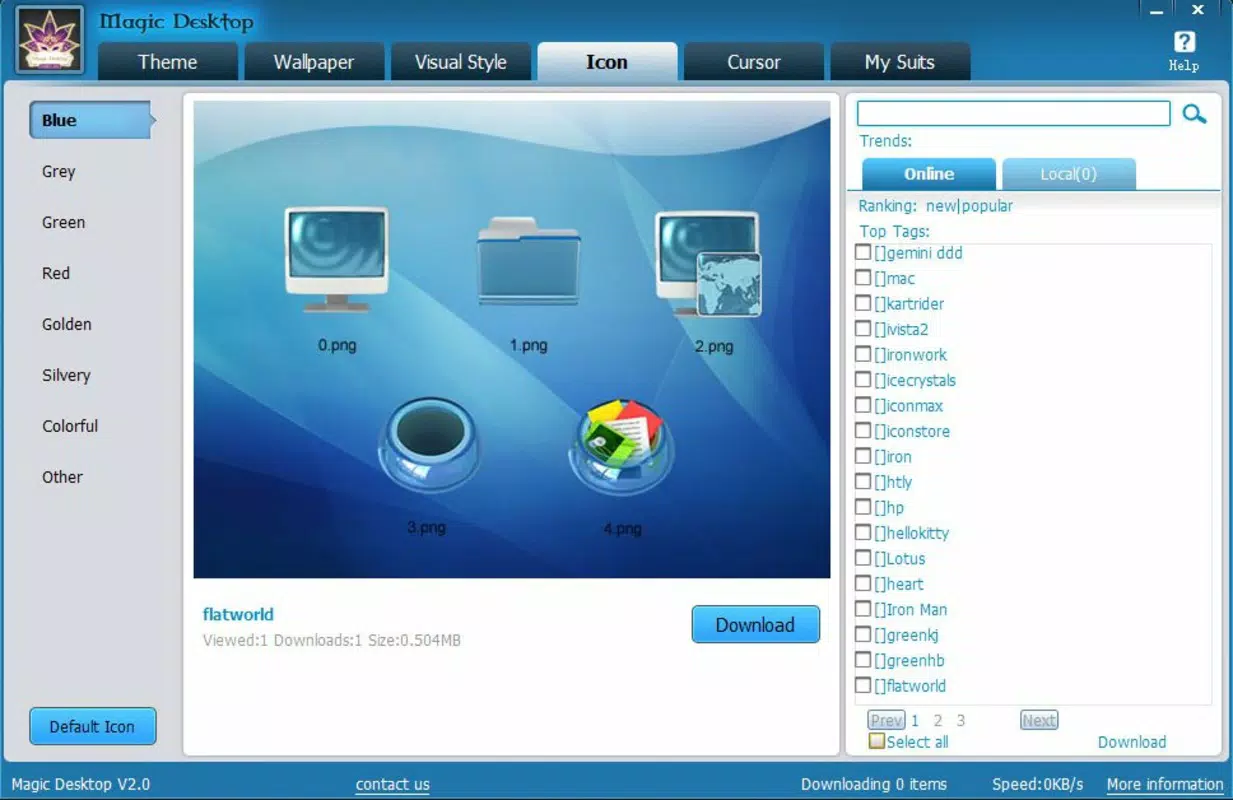
- Icon Customization: Beyond wallpapers, the app enables users to modify desktop icons, allowing for a cohesive and personalized visual identity. This feature transforms standard file and application icons into stylized elements that match the chosen theme.
- Quick and Easy Setup: The interface is designed for simplicity, enabling users to apply new themes and wallpapers in just a few clicks. No technical knowledge is required, making the app accessible to users of all experience levels.
- Desktop Refresh Functionality: For users experiencing visual fatigue from a static desktop, Magick Desktop offers a straightforward solution. Changing the appearance can inspire renewed focus and improve the overall user experience.
For example, a gamer might select a wallpaper from their favorite game and pair it with themed icons to create an immersive desktop environment. Similarly, a nature enthusiast could use a mountain landscape as a background and customize icons to reflect a natural theme, enhancing the sense of calm and inspiration.
Interface, UX & Performance
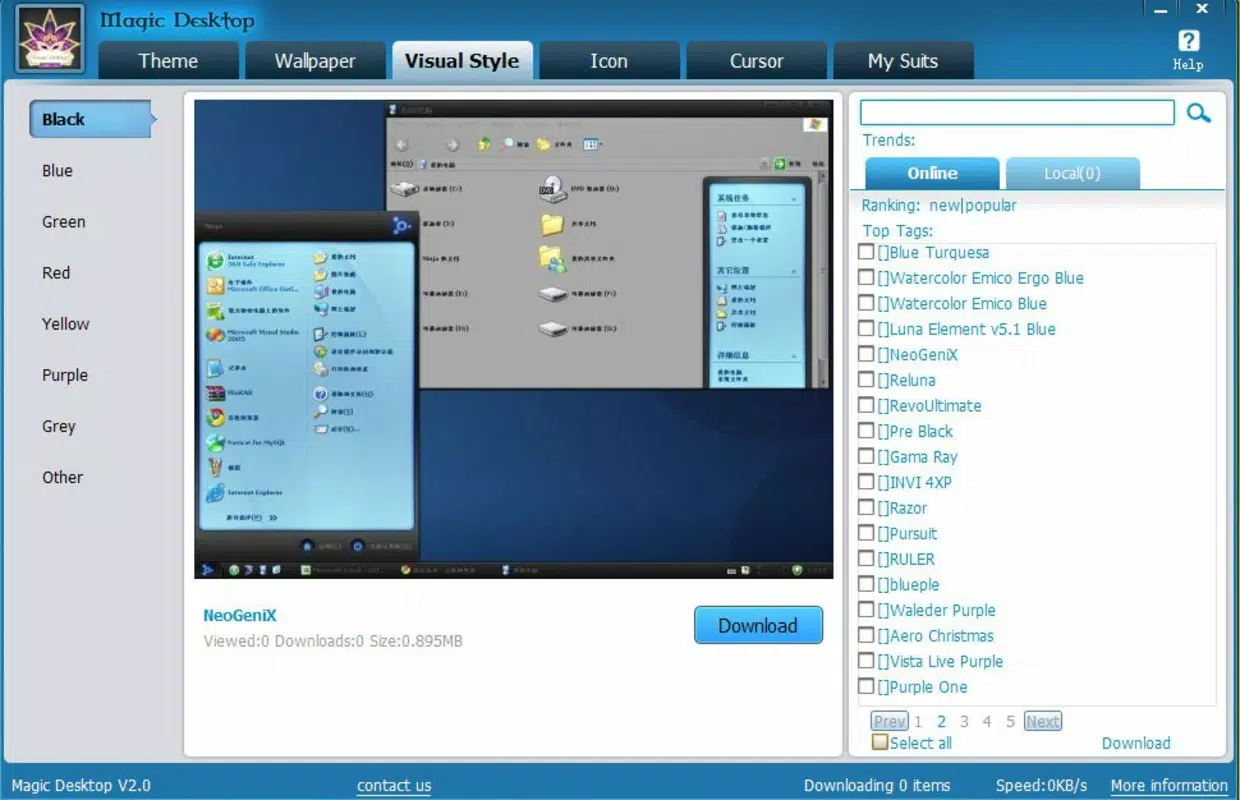
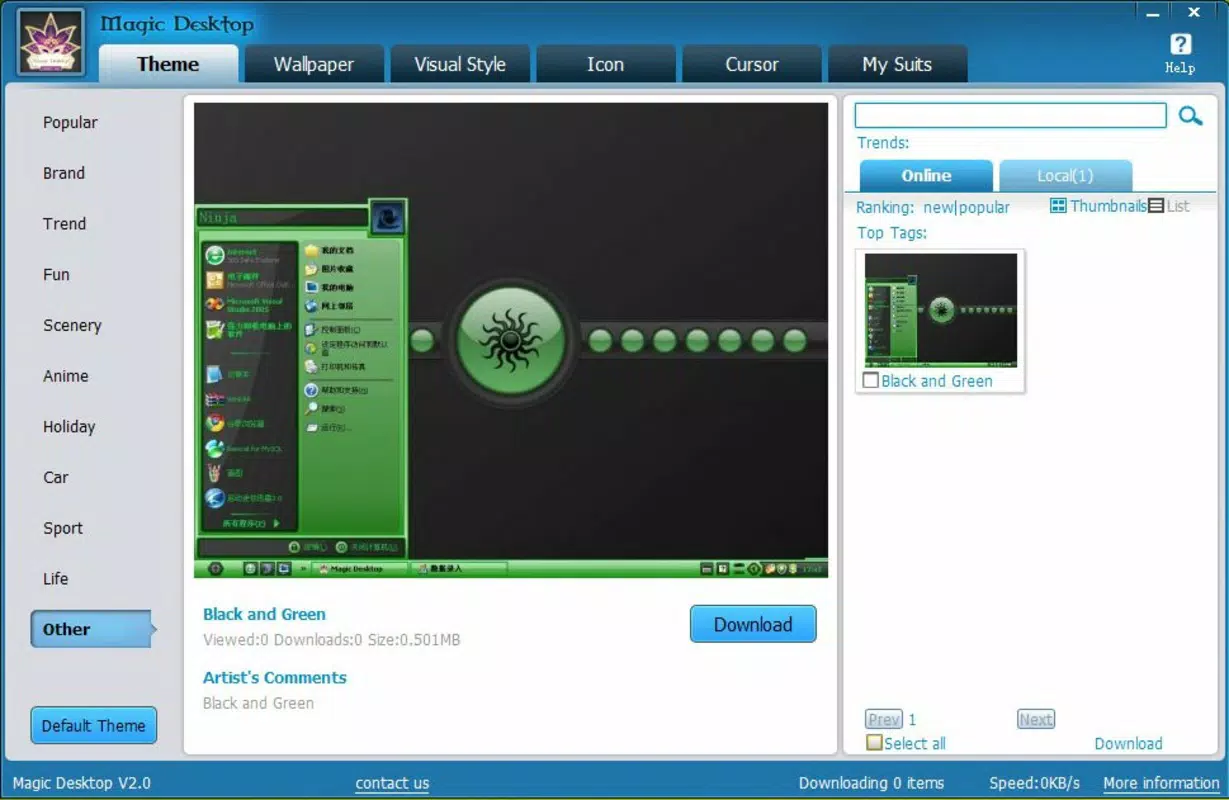
Magick Desktop features a clean and intuitive interface that prioritizes ease of navigation. The layout is organized around theme categories, allowing users to browse and select wallpapers with minimal effort. Visual previews are displayed prominently, helping users make informed choices before applying changes.
Navigation is straightforward, with a central dashboard that lists available themes and customization options. The application responds promptly to user inputs, ensuring a smooth experience during theme selection and application. Although the developer did not list formal performance metrics, the app’s lightweight design suggests it operates efficiently without consuming excessive system resources.
Stability appears to be consistent, as the app has remained in use since its 2012 release. It performs reliably across various desktop configurations, though specific compatibility details were not disclosed. Users can expect responsive behavior when switching themes, with minimal lag or delays during the update process.
Platform Compatibility & Technical Requirements
Magick Desktop is designed for desktop operating systems, though the specific platform and OS version were not provided. The file size of the application is not listed in the available information. The developer did not specify minimum OS requirements or compatibility details for different hardware configurations.
Given its release date in 2012, the app likely supports older versions of Windows, but users should verify system compatibility before installation. The lack of detailed technical specifications means that potential users must rely on general system requirements for desktop software when assessing suitability.
Pros and Cons
- Offers a wide selection of themed wallpapers for diverse user interests
- Includes icon customization for a fully cohesive desktop look
- Simple interface requires no technical skills to use
- Quick setup enables immediate visual refresh
- Long-standing presence indicates reliability and user trust
- Specific system requirements were not disclosed
- Developer background and support information were not provided
- No information on update frequency or future development
- Compatibility with modern OS versions is unclear
- Performance on low-end systems was not tested or documented
FAQ
Is Magick Desktop safe to download and install?
The app is available through trusted distribution channels, but users should verify the source before installation to ensure security. No known malware has been reported.
Can I use Magick Desktop on modern operating systems?
Compatibility with current OS versions has not been confirmed. Users should check system requirements before installation, as the app was originally released in 2012.
Does Magick Desktop require an internet connection?
While the app may download wallpapers on first use, it can function offline after initial setup. Specific connectivity needs were not detailed.
How often are new wallpapers added?
Information about update frequency was not provided. Users may need to check the official site for new content releases.
Is there a free version of Magick Desktop?
Although the pricing model was not specified, many desktop customization tools offer free versions with optional premium features. Users should consult the official source for accurate pricing details.
Final Thoughts
Magick Desktop stands out as a dedicated tool for users who value visual customization in their digital workspace. Its combination of themed wallpapers and icon enhancement offers a powerful way to personalize a desktop environment with minimal effort. While the app lacks detailed technical documentation and modern updates, its enduring presence suggests a dependable foundation for desktop aesthetics.
It is ideal for casual users, creatives, and anyone looking to refresh their computing experience without technical complexity. The app’s simplicity, combined with its focus on visual appeal, makes it a valuable utility in the productivity and personalization space.
Download Magick Desktop now


